PaperCut Print Management

PaperCut Print Management

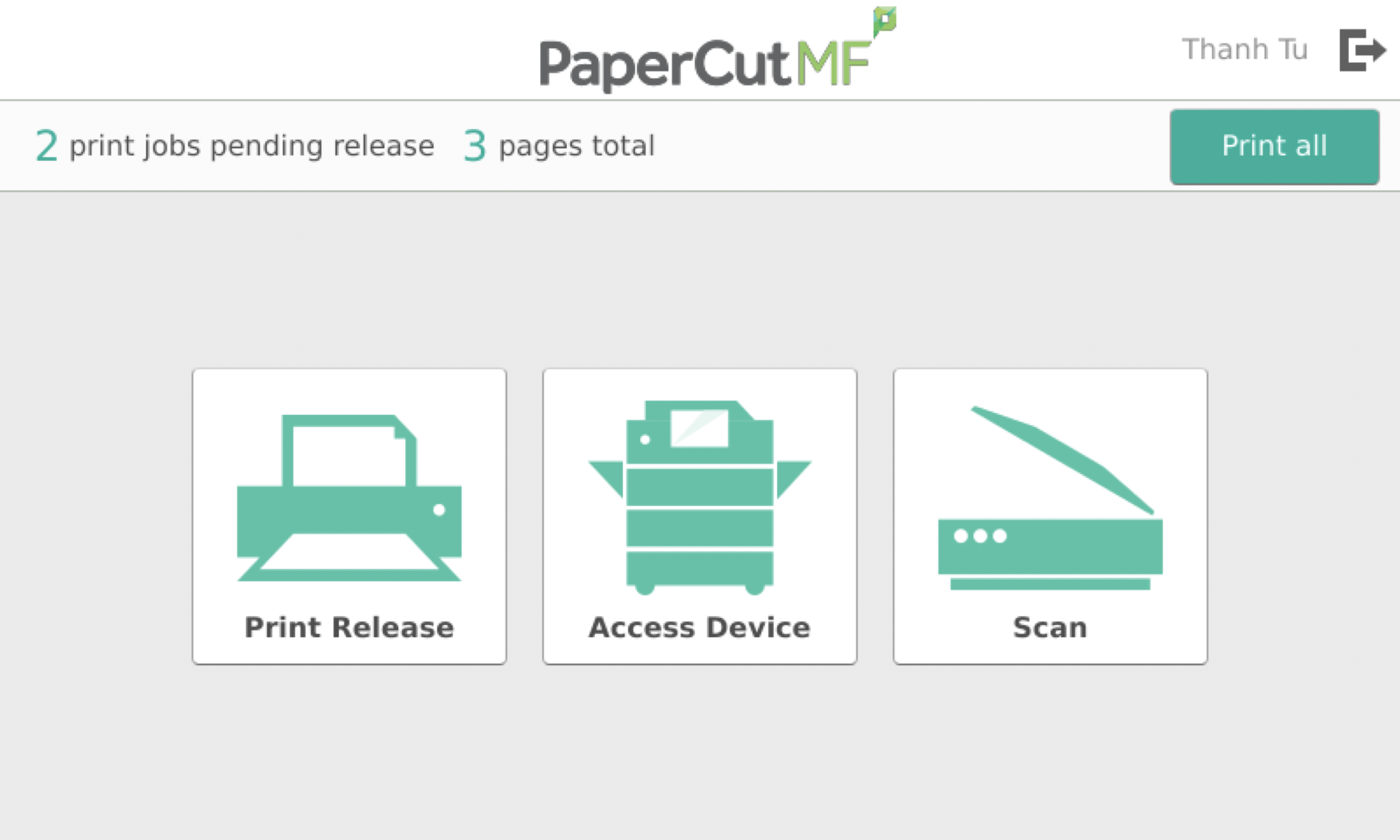
PaperCut MF

Simple, powerful
print management

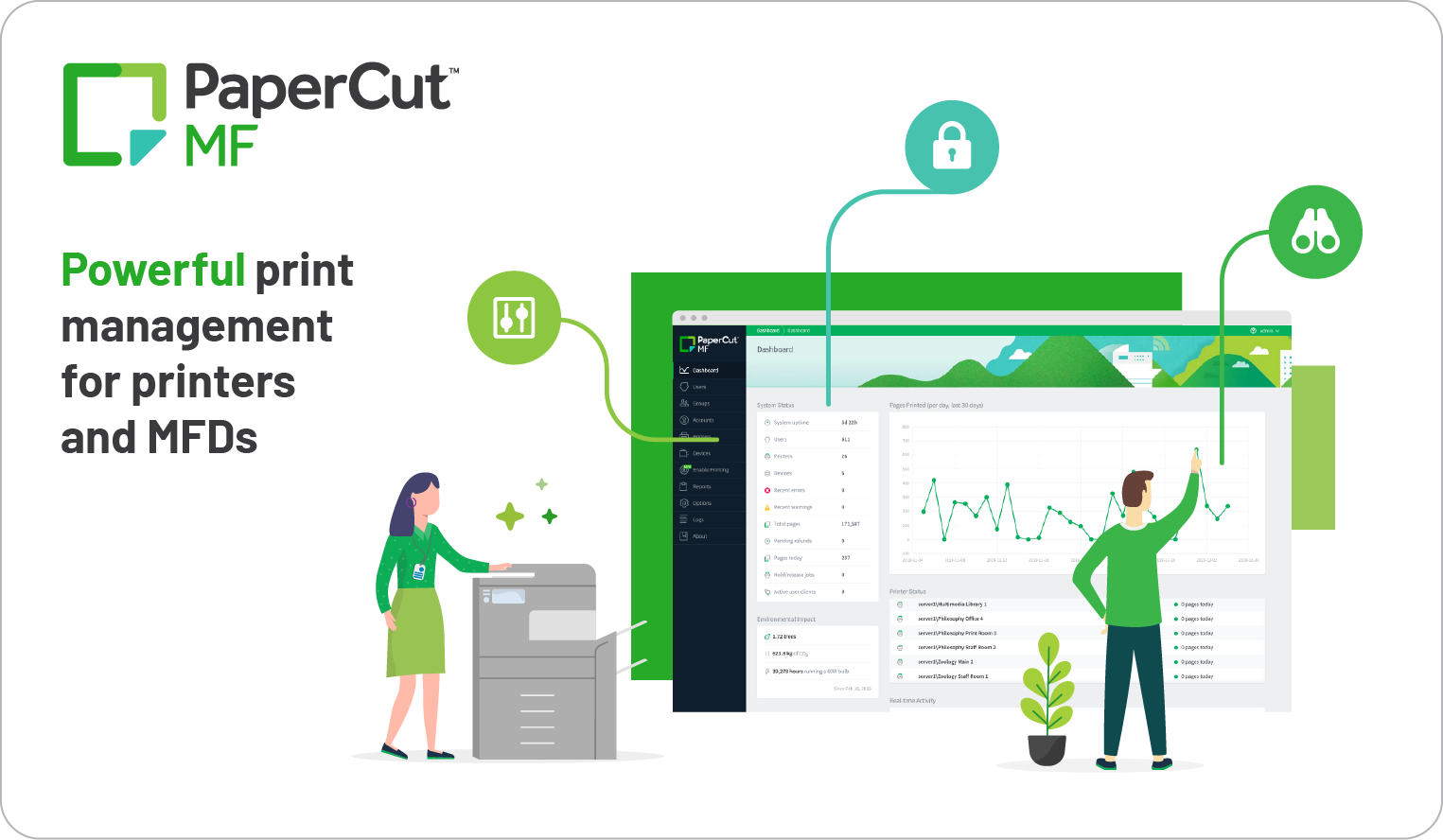
PaperCut MF proves print management can be simple and Powerful all at once. It enables, tracks, and secures not just your printing, but your copying and scanning as well. And that means unbeatable visibility and control for any print environment – from large-scale education and government organizations to private healthcare practices.

Easy printing:
Enable printing that simply works on any device, any platform, any printer.

Secure printing:
Protect documents before, during, and after printing with end-to-end print security.

Responsible printing:
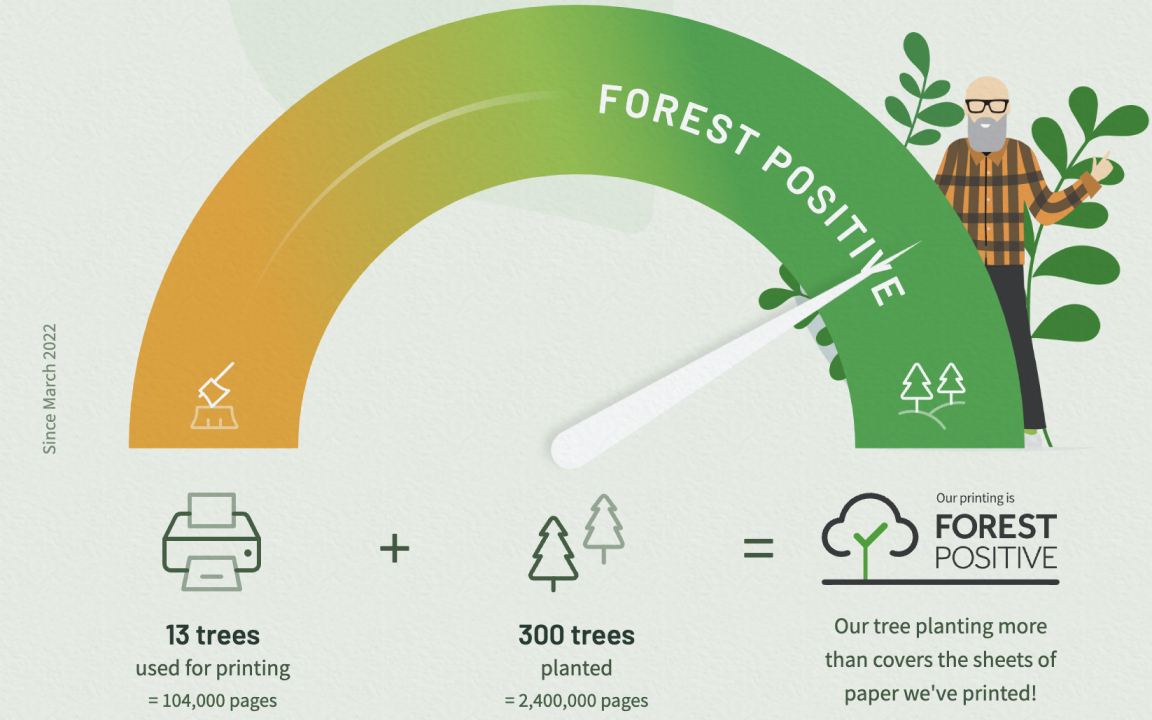
Encourage sustainable habits with secure print release, insightful reports, and print policies that reduce costs and cut out paper waste. Then make your printing Forest Positive by planting trees with PaperCut Grows.

Featureful scanning:
Enjoy easy and encrypted tap-and-go scanning with features like OCR, direct scanning to the cloud, image correction, and more.

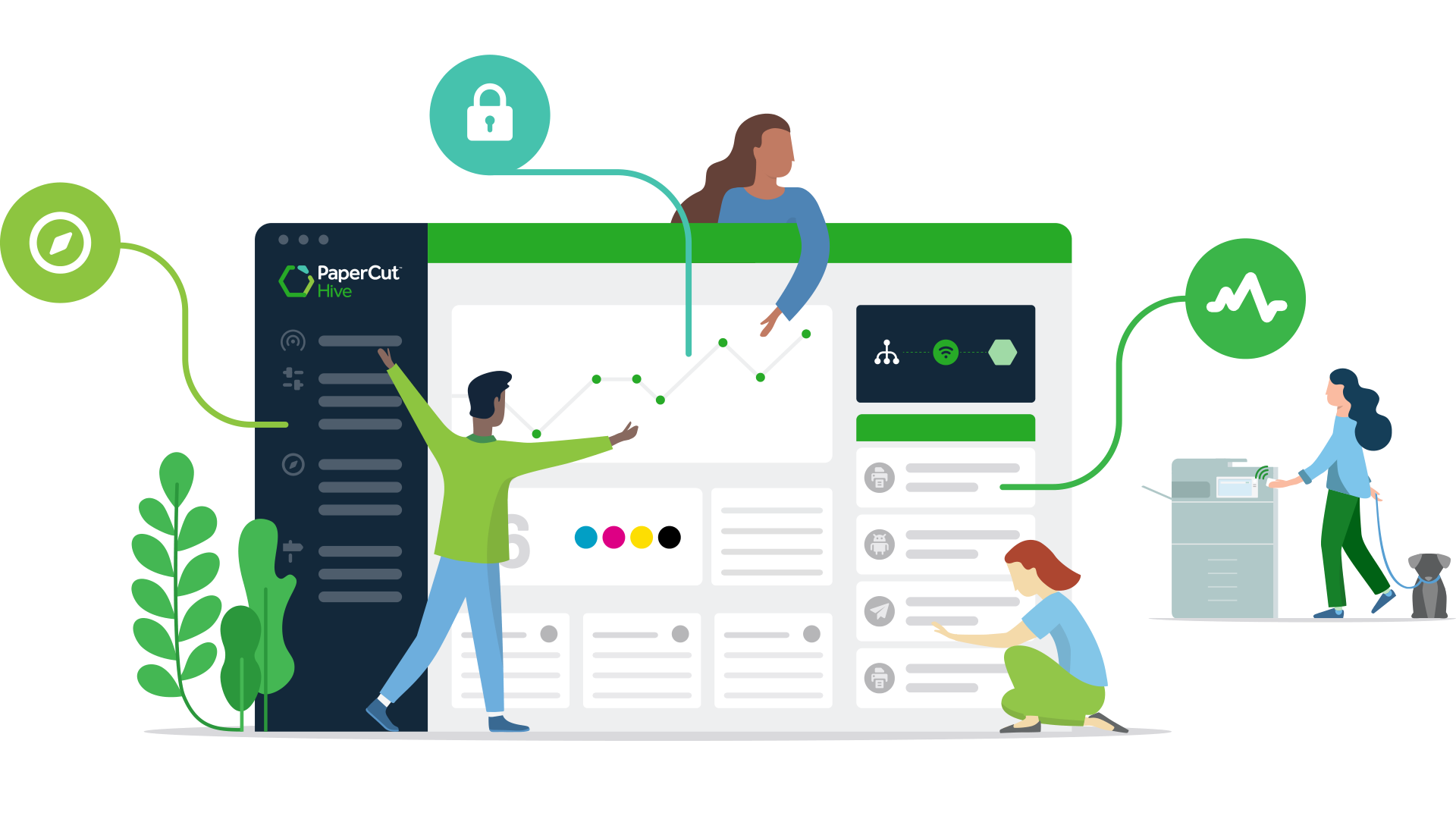
PaperCut Hive

Complete cloud-native
print management

Secure printing
Keeping data secure for peace-of-mind printing. PaperCut Hive has security features built-in to keep your documents private and on-site, helping to protect your data before, during, and after printing.

Easy printing
Convenient printing for everyone. Users simply print from any device to a single print queue and securely release their print job using their mobile phone or the MFP/MFD’s touchscreen.

Sustainable printing
Giving back to the earth and your printing budget, PaperCut Hive boasts eco-friendly policies perfect for businesses wanting to reduce their environmental impact

Print compatibility
Built for all brands and print platforms. Right out of the box we support serverless printing everywhere.

For additional specifications Download Brochure

PaperCut MobilityPrint

Free BYOD solution &
Google Cloud Print alternative

Worrying about what to do now that Google Cloud Print ended?
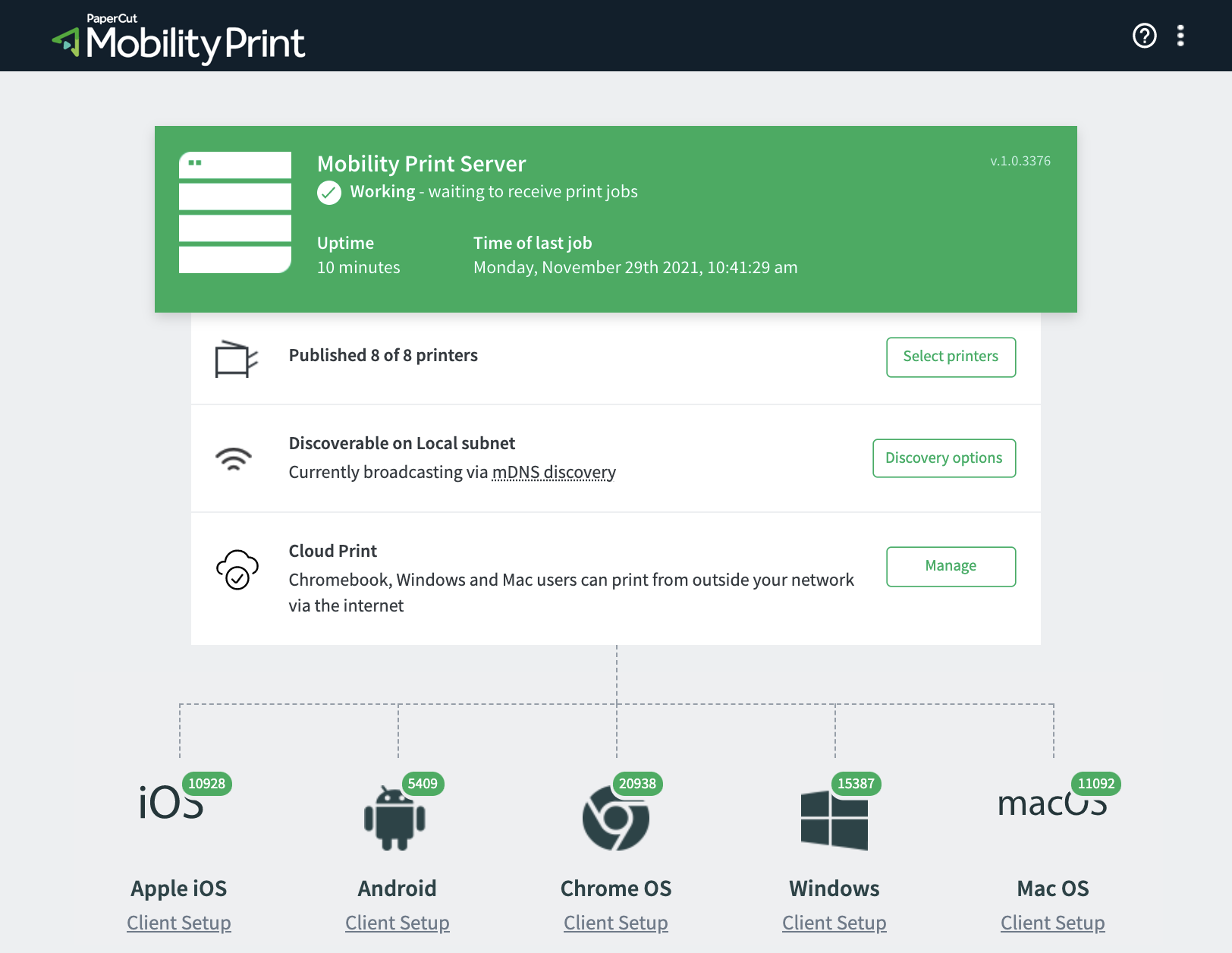
We’ve got you covered with our innovative Cloud Print tech. Windows, Chromebook, and Mac users can print remotely and outside the network by sending print jobs over the internet.

Mobility Print also enables easy local printing from BYO iPads, iPhones, Android, Windows, Chromebook, and Mac devices.

How does it work?
Download and install Mobility Print on a VM or computer that has access to your printers.

Deploy with Google Workspace, or share a setup link with your users to guide them through a few steps to get access to your printers.

Not bad for something that’s 100% free.

For additional specifications Download Brochure

Scroll to Top

Service Request Form